 AI Coding Assistant
Zed integration
Learn how to integrate Langcli into Zed
Prerequisites
- Make sure Langcli is installed and you can use it without problem. If you haven't installed Langcli yet, refer to this guide for instructions.
- If you haven't installed Zed editor yet, you can go to the zed official website to download and install it.
Integration Steps
-
Open Zed's configuration file:
Press Cmd+Shift+P to open the command palette. Type "zed: open settings file" and press Enter. -
Add the following to the
agent_serverssection of your Zed configuration file:
    "langcli": {
      "type": "custom",
      "command": "/bin/bash",
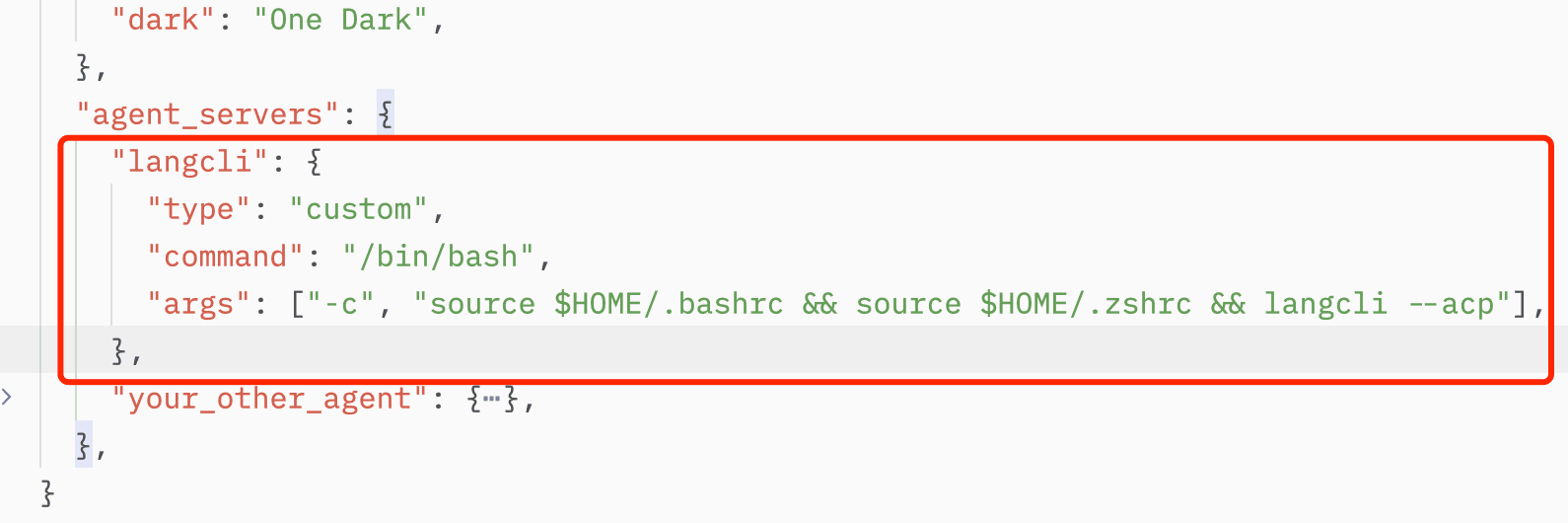
      "args": ["-c", "source $HOME/.bashrc && source $HOME/.zshrc && langcli --acp"],
    },
Save the file with Cmd+S. The screenshot below shows the configuration in action:
 3. Restart Zed.
4. Click the ✨ icon in Zed's bottom status bar to open the agent panel. Select langcli from the panel to start a conversation with langcli. Langcli can co-build your Zed project with you now!
-
Open Zed's configuration file:
Press Ctrl+Shift+P to open the command palette. Type "zed: open settings file" and press Enter. -
Add the following to the
agent_serverssection of your Zed configuration file:
    "langcli": {
      "type": "custom",
      "command": "/bin/bash",
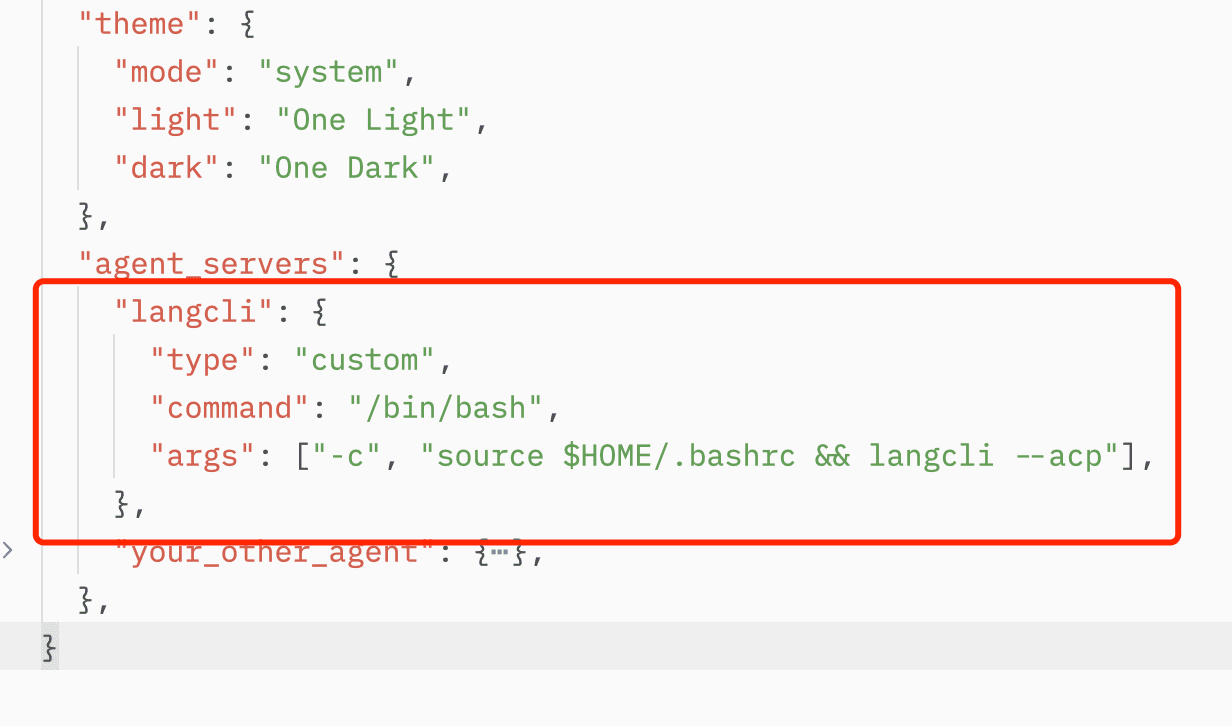
      "args": ["-c", "source $HOME/.bashrc && langcli --acp"],
    },
Save the file with Ctrl+S. The screenshot below shows the configuration in action:
 3. Restart Zed.
4. Click the ✨ icon in Zed's bottom status bar to open the agent panel. Select langcli from the panel to start a conversation with langcli. Langcli can co-build your Zed project with you now!
-
Open Zed's configuration file:
Press Ctrl+Shift+P to open the command palette. Type "zed: open settings file" and press Enter. -
Add the following to the
agent_serverssection of your Zed configuration file:
    "langcli": {
      "type": "custom",
      "command": "langcli.cmd",
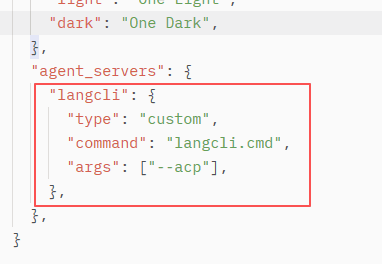
      "args": ["--acp"],
    },
Save the file with Ctrl+S. The effect of adding configuration is shown below:
3. Restart Zed.
4. Click the ✨ icon in Zed's bottom status bar to open the agent panel. Select langcli from the panel to start a conversation with langcli. Langcli can co-build your Zed project with you now!
Last Updated